
Let KronX do the math. You make the call.
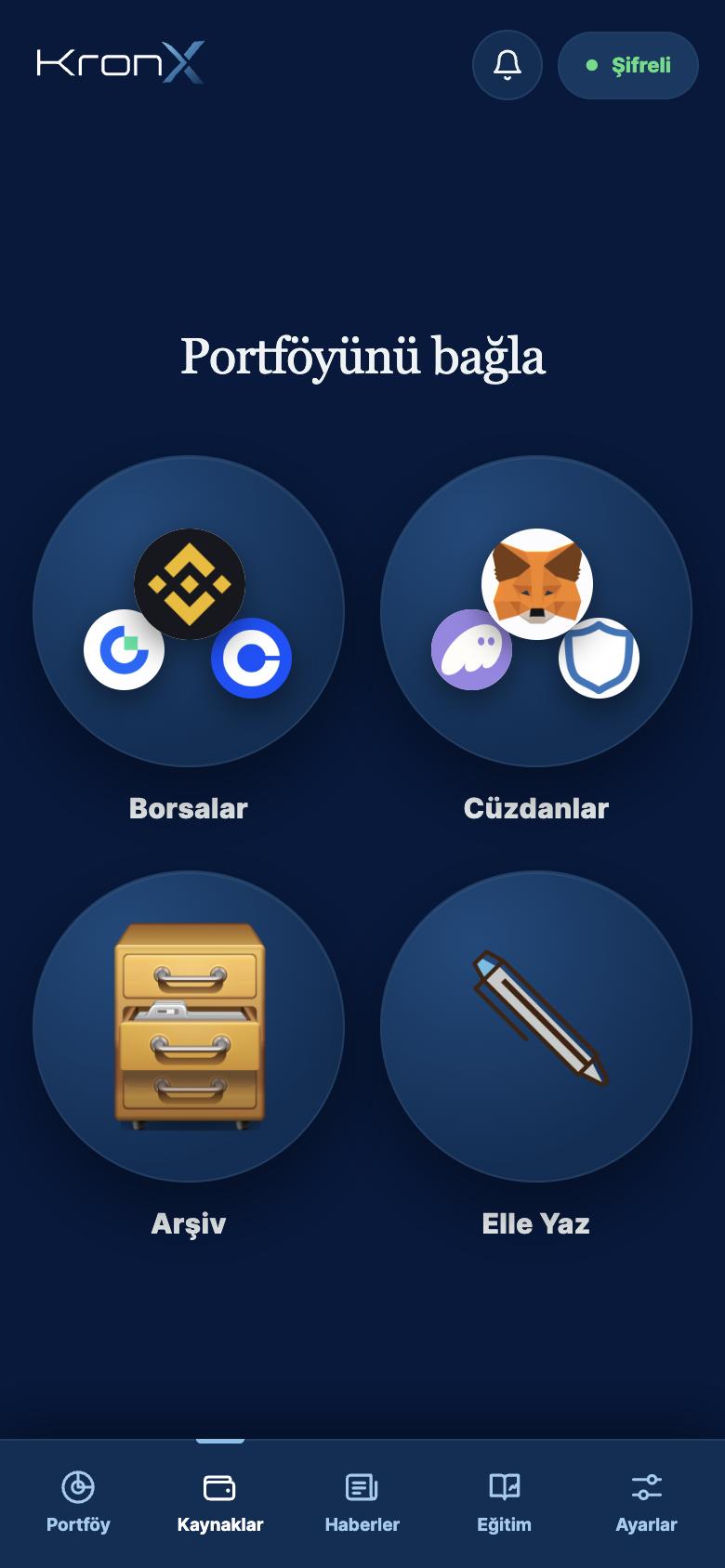
Bring your exchanges, wallets and files into one ledger. KronX works out your cost, your profit and loss and, for users in Turkey, a lira-based tax report.
Average cost
Your cost basis is recalculated after every buy and sell. Fees are included, so the number you see is what you actually paid.
- Pick a method: Average (default), FIFO or LIFO.
- The method you choose applies to both your portfolio and your tax breakdown.
- When adding a trade by hand, preview your new average cost before saving.
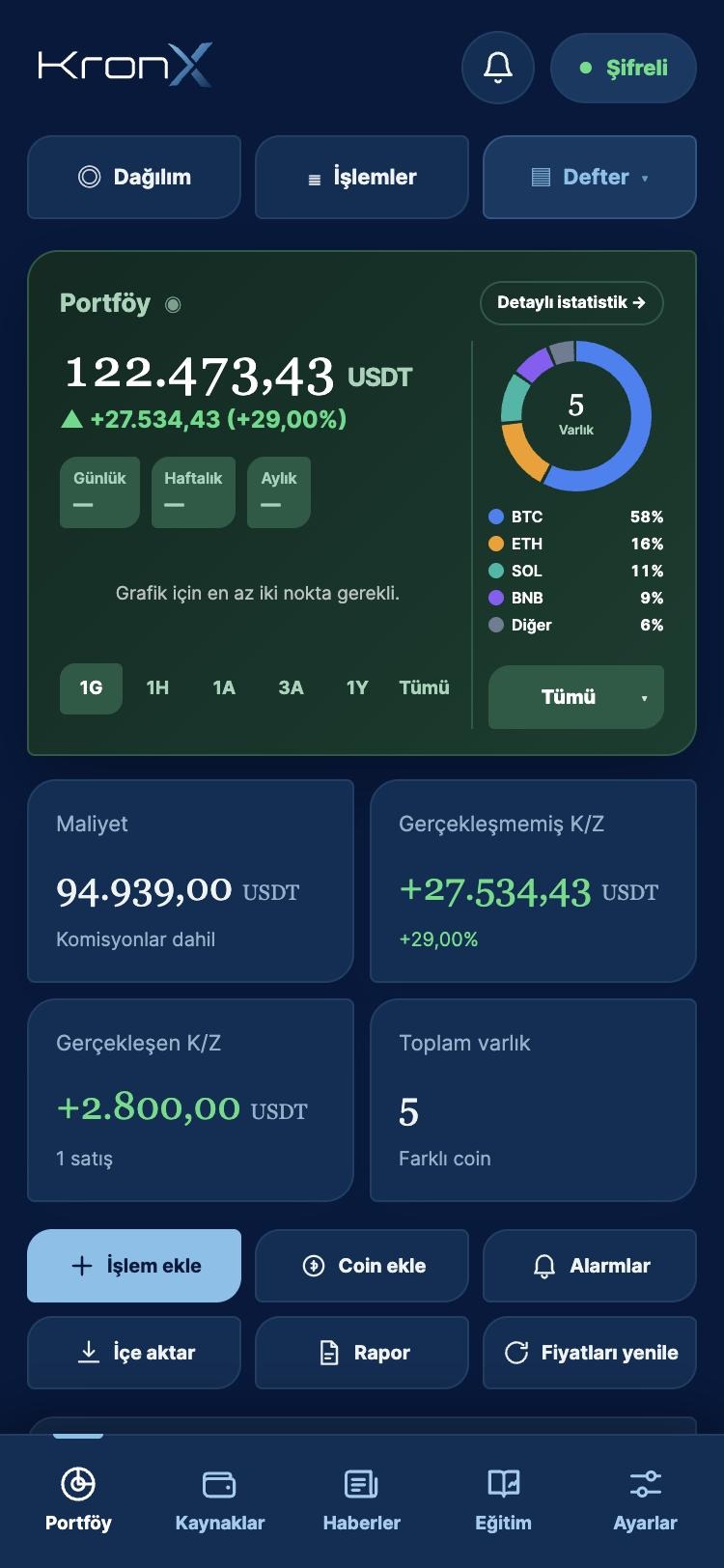
Profit / loss
See what you have locked in by selling separately from the paper gains or losses on what you still hold.
- Realized and unrealized profit/loss.
- Daily, weekly and monthly change.
- A monthly returns chart for the last 12 months, with period returns adjusted for new buys and sells.
- Profit/loss, cost and current value for each asset.
Portfolio analytics and allocation
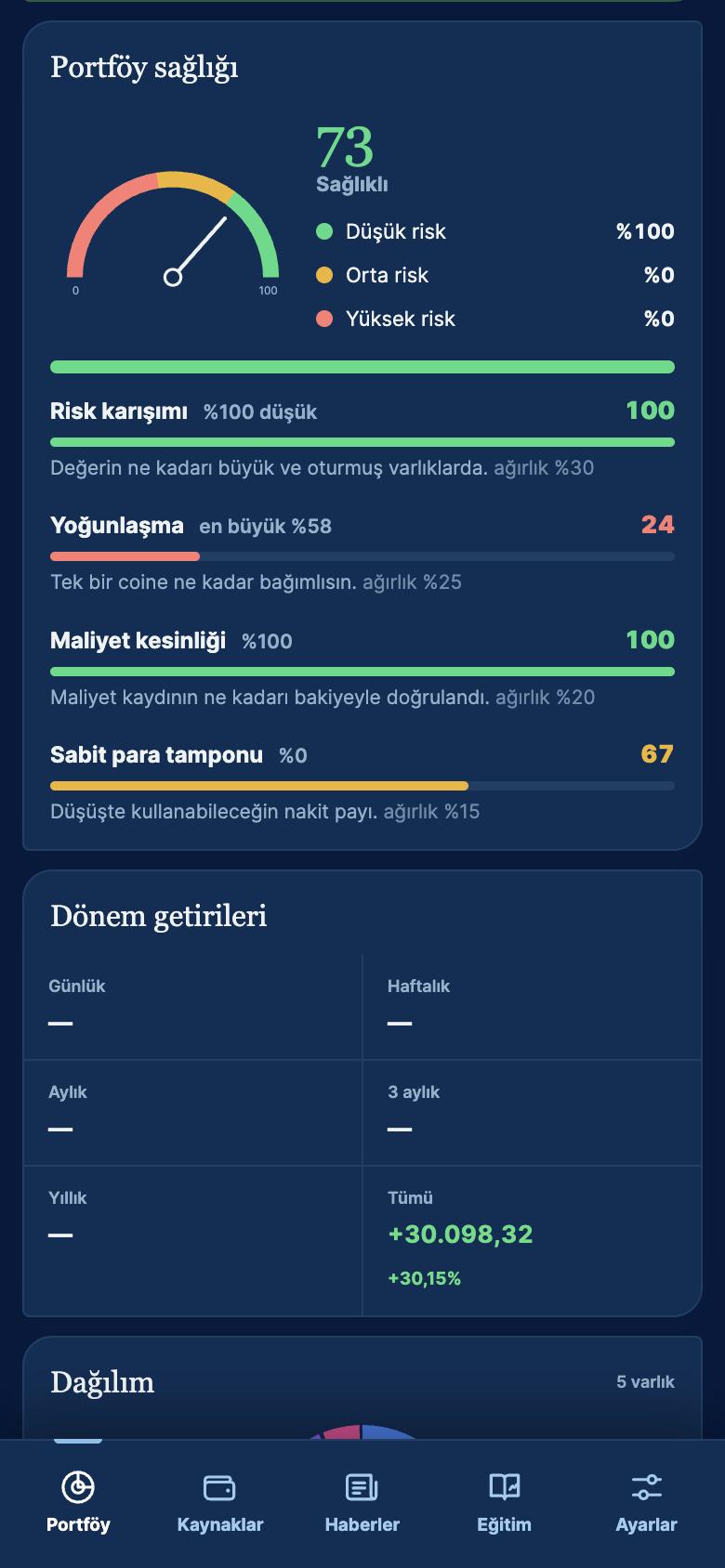
See how your portfolio has moved and what it is made of. Every figure comes from your own transaction records.
- Portfolio value chart: 1 day, 1 week, 1 month, 3 months, 1 year and all time.
- Asset allocation and trading activity.
- Best and worst day, share of winning days, maximum drawdown, distance from peak and total fees paid.
- A separate screen showing which exchange and which account type (Spot, Funding, Earn, Margin, Futures) holds each asset.
Portfolio health: a score built from risk mix, concentration, cost certainty, stablecoin share and custody spread. If there isn't enough data it says so instead of guessing. It is for information only, not advice.
TRY tax report (Turkey)
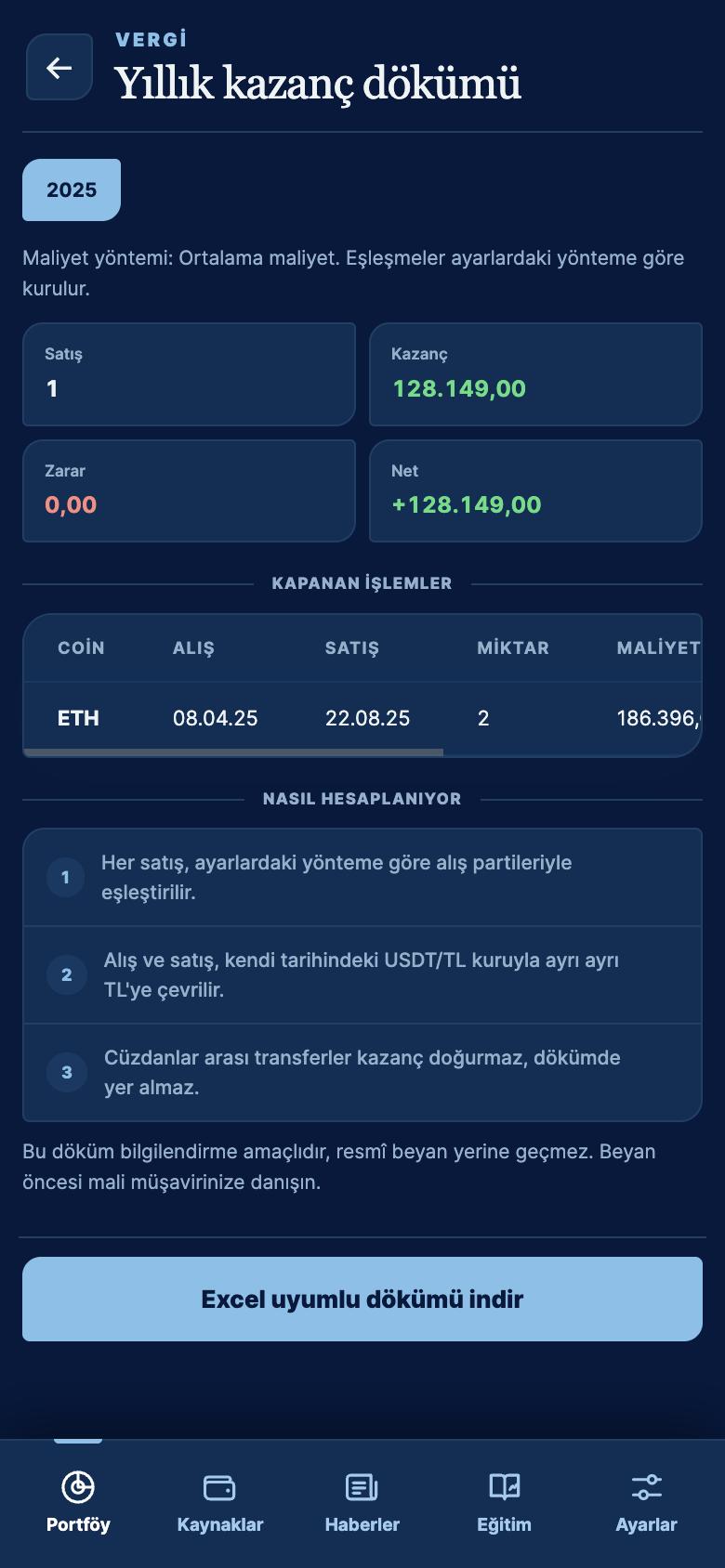
For users who file in Turkey, KronX prepares a yearly gains breakdown in Turkish lira. Each sale is matched to the related buys using your chosen cost method.
- Buys and sells are converted to lira separately, each at the hourly USDT/TRY rate of its own date.
- The tax year follows Istanbul time.
- The summary shows proceeds, cost, gains, losses, net amount and number of trades; each row shows the holding period in days.
- Transfers between your own wallets are not counted as gains.
- Rows with a missing rate or purchase cost are kept out of the totals and flagged separately.
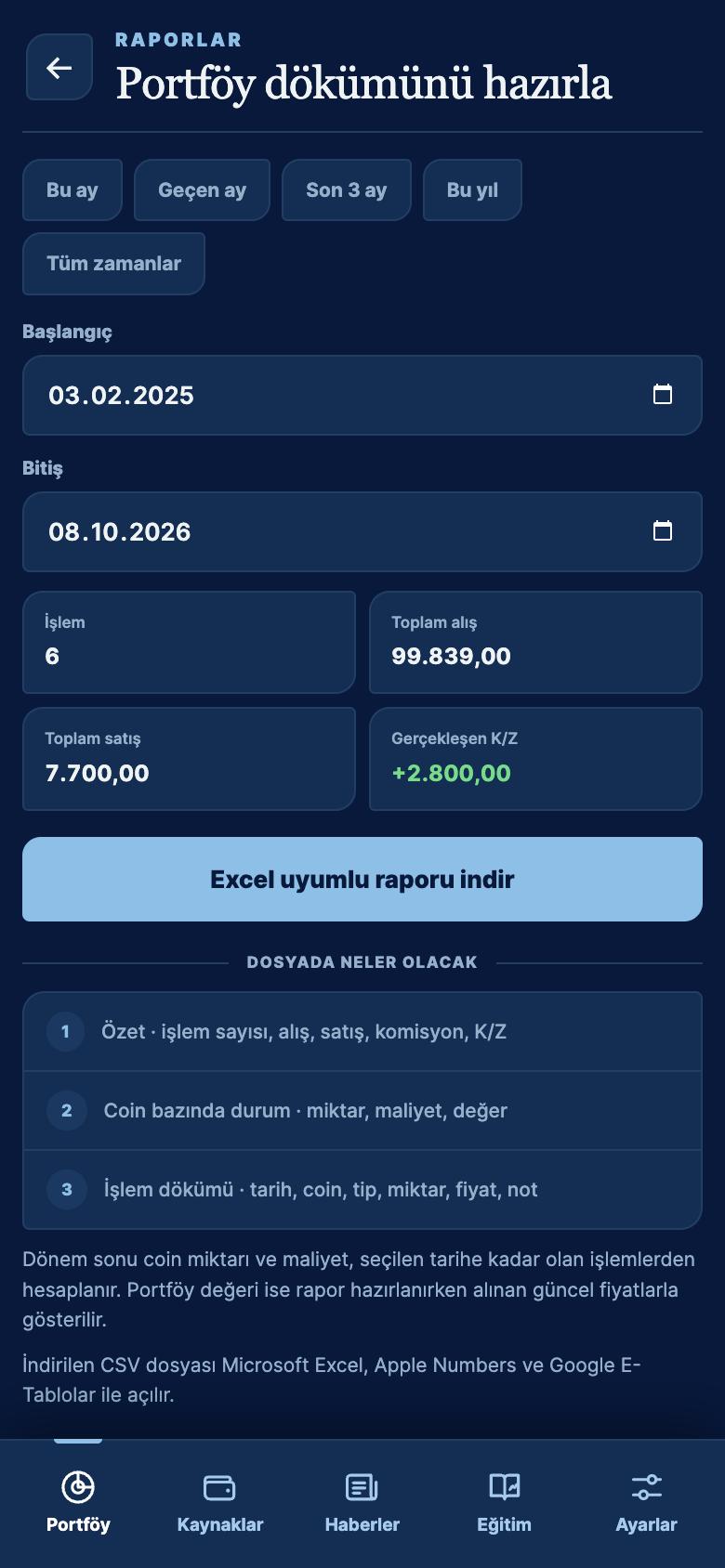
- Download the report as a CSV file that opens in Excel. You can also export a custom date range.
The tax report is for information only and does not replace an official filing. We recommend reviewing it with a tax adviser before you file.
Smart price alerts
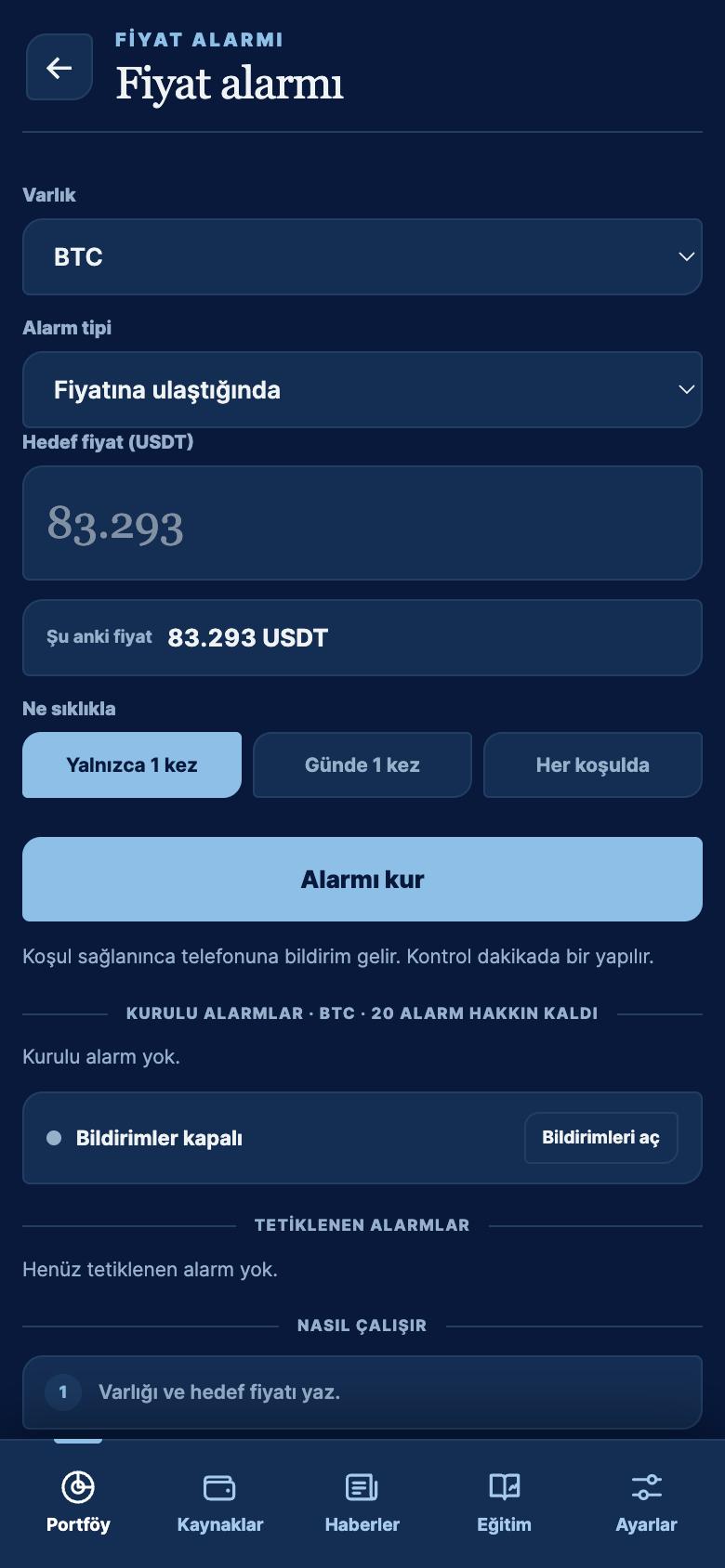
Get a notification on your phone when a coin reaches your target price, or rises or falls by a set percentage during the day.
- Target price alerts: KronX works out whether the price needs to rise or fall to get there.
- Daily percentage rise or drop alerts.
- Repeat once, once a day or every time.
- Alerts are checked on our server every minute, so they work even when the app is closed.
Up-to-date crypto news
Crypto news from publishers in your chosen language, in one feed.
- Feed, Important and Fast Track views.
- A "My portfolio only" filter for news about coins you hold.
- Tap "Summarise" on any story for a short AI summary and a note on possible impact. The note is not advice.
Crypto lessons and quizzes
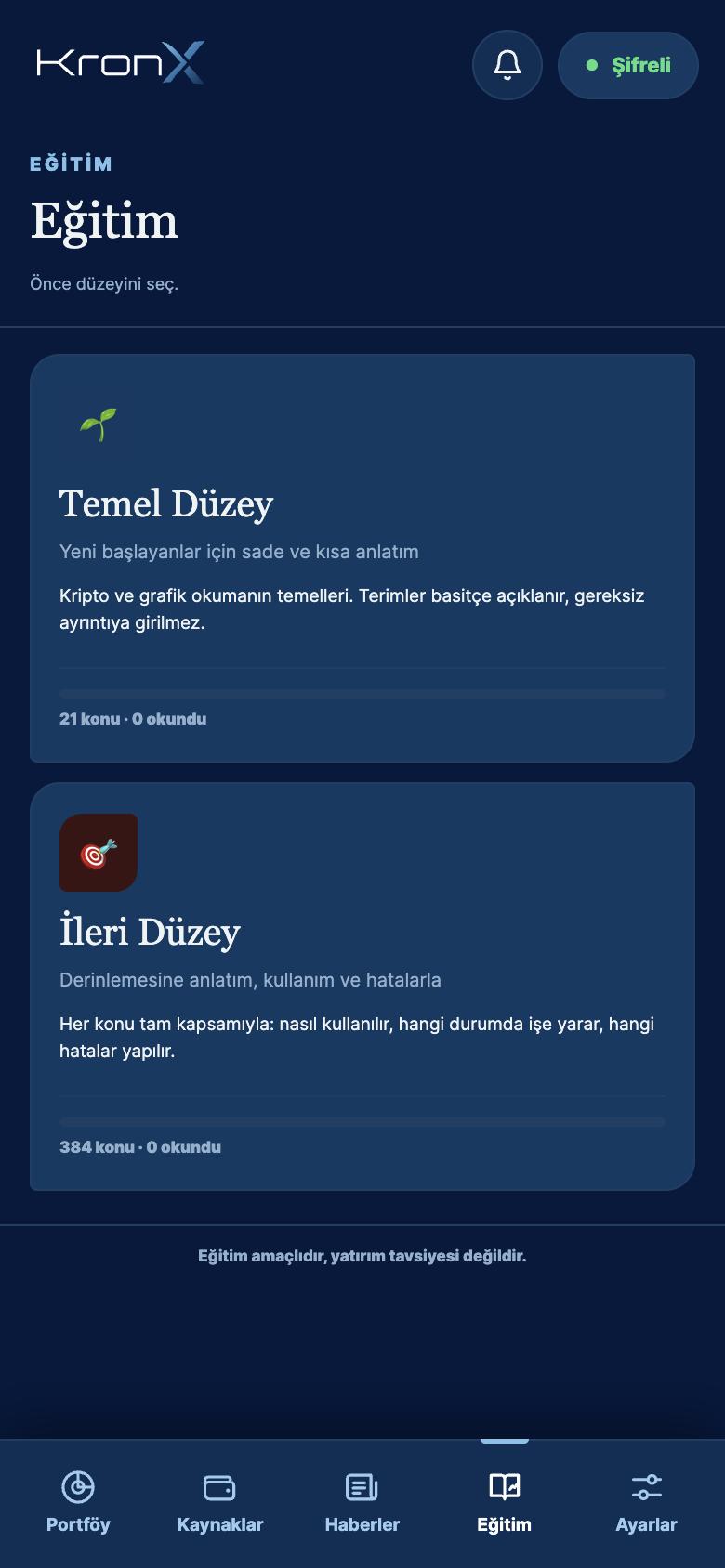
Learn the market step by step with beginner and advanced lessons, then test yourself.
- Technical analysis, fundamental analysis, and finance & economics.
- Short cards with schematic candlestick drawings.
- Three-level multiple-choice quizzes in each area, with explanations.
- Your progress is saved on your device.
7 languages
The app is available in Turkish, English, German, Spanish, Portuguese, Russian and Traditional Chinese (zh-TW). It starts in your device's language, and you can switch at any time in Settings.
Encrypted sync across devices
The same portfolio on your iPhone, iPad and Android phones and tablets. Your ledger is encrypted on your device before it syncs, and the decryption key never leaves it. The details needed to read your exchange and wallet data are processed on our servers under protection.
- KronX doesn't ask for your name, email or phone number; your account is identified by the sync code the app generates.
- A monthly backup of your portfolio is taken automatically, and you can also back up and restore by hand.
More on the Security page.
Wallet and DeFi tracking
Add a wallet by its public address only. The network is recognized from the address format, and no signature or private key is ever requested.
- One EVM address reads every EVM network you select; non-EVM networks are tracked by balance.
- On EVM networks and Solana, buys and sells are worked out from transaction history.
- Aave V3 (Ethereum) positions: collateral, debt, net value and health factor.
- Balances include Uniswap V3 liquidity positions, ERC-4626 vaults, Curve, Balancer, Pendle and Compound v2.
- Worthless spam tokens are filtered out automatically.
Full list of supported networks: Exchanges and networks.
Import from file
Add older trades the API can't reach using the history file you download from your exchange. Export formats from 15 exchanges are recognized.
- CSV, XLS and XLSX files.
- Deposits, withdrawals and rewards as well as trades.
- Preview before adding; the same trade is never added twice.
Step by step: File import guide.
Reconciliation and duplicate cleanup
KronX compares the amounts in your ledger with your actual exchange and wallet balances. If something doesn't match, it tells you which asset and by how much, in one sentence.
- Close a gap from missing records with "Fix".
- If the same trade came in twice from two sources, the extra record is removed so your average cost stays right.
- Transfers between your own accounts are matched automatically and create no profit or loss.
- When everything lines up, you'll see "Everything matches".
And more
Market and charts
Top 200 coins, a watchlist and search. Candlestick charts from 1 minute to 1 month.
Multiple portfolios
Keep separate ledgers; the "All" view combines them without counting anything twice.
App lock
A 6-digit code, plus fingerprint or face unlock where your device supports it.
Manual entries
Write down a trade that has no connection, and see it reflected in your cost right away.
Home screen widgets
See your portfolio value and daily change right on your home screen. Available on iPhone and Android.
Dark and light themes
Whichever is easier on your eyes.